
ideation as the engine - strong scenario in, finished video out
the creator economy has matured into brand infrastructure - and the timing window is rare
about
ai video production platform for creators that turns ideas into ready-to-publish brand content in one workspace
The Shift
Influencer budgets keep growing, but one-off "pay-to-post" deals are losing effectiveness. Brands now hire creators as strategic partners - rewarding productized, recurring delivery over project gigs.
The Window
The creator economy reaches ~$214B in 2026 at 23% CAGR, with AI video generation the fastest-growing segment. Buyers are already in motion.
The Mission
Be the workspace where ideas become brand-true video - and the creative intelligence layer that compounds with every campaign.
the workflow
hub content guides users through 6 stages, each feeding seamlessly into the next:

Dashboard
Project management hub. Create, find, and organize all projects.
Idea Architect
Optional AI-powered story development. The Idea Architect interviews the user and generates a creative concept.
Script to Prompt
Converts the concept into a structured storyboard and a full Seedance-compatible prompt, with automatic scene generation and timing.
Assets
Create and manage all visual assets: Characters, Products, Locations. AI-enhanced production quality at every step.
Studio
The core generation workspace. Scene-by-scene video generation, version management, timeline editing, and audio.
Export
Final delivery in 4K/MOV, plus a shareable Client Link for review without editor access.
the ideation engine
concepts that could apply to any product, any brand, any audience
choose a starting point

Input
a structured project brief.

Output
a scenario - concept, angle, scene flow that auto-populates the Script Editor.

Upload Existing Brief
Have a client brief already? We'll extract the goals, audience, requirements, and generate concepts automatically.

Describe Your Idea
Tell us what you have in mind and we’ll develop it together.

Answer Questions
Not sure where to start? We’ll guide you step by step and build the concept together.
Brand assets
Set up your brand once.Then never again.
Characters, products, locations, and styles live in your library, not in your memory. Every new project for the same brand opens with the visual identity already built. The tenth video looks like the first. The setup for it takes minutes, not an evening.
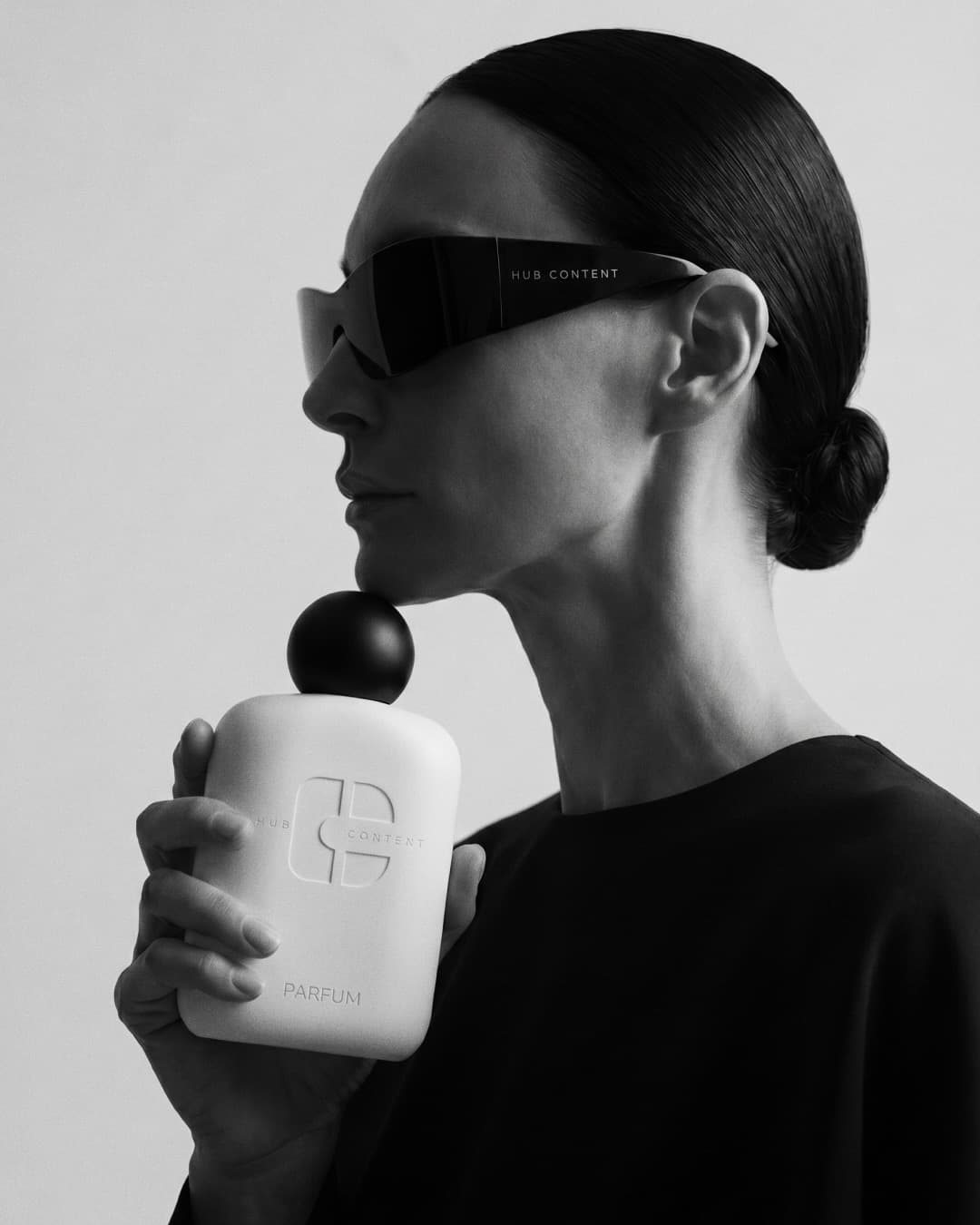
Product accuracy
Your product, pixel-faithful,in every scene.
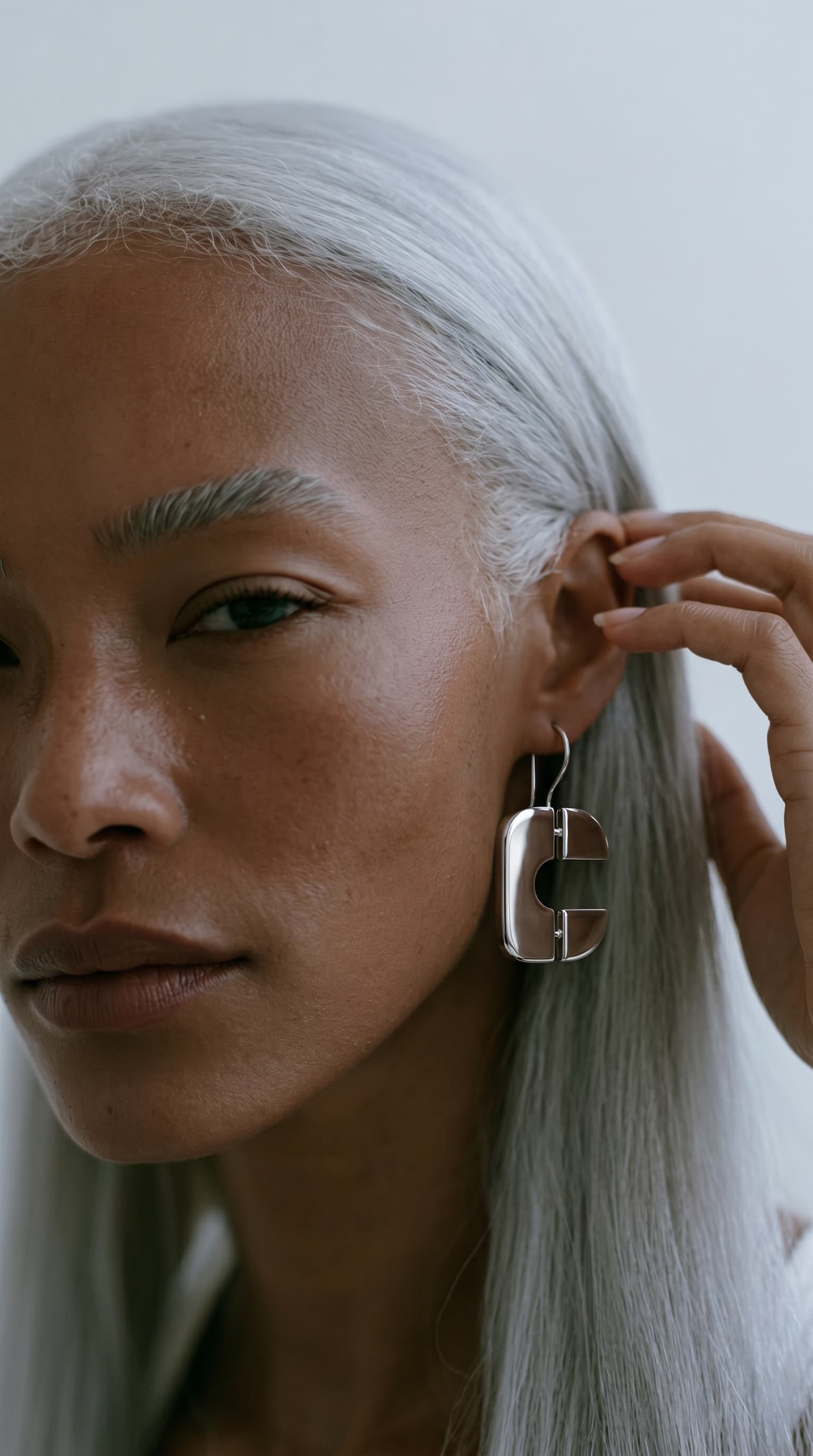
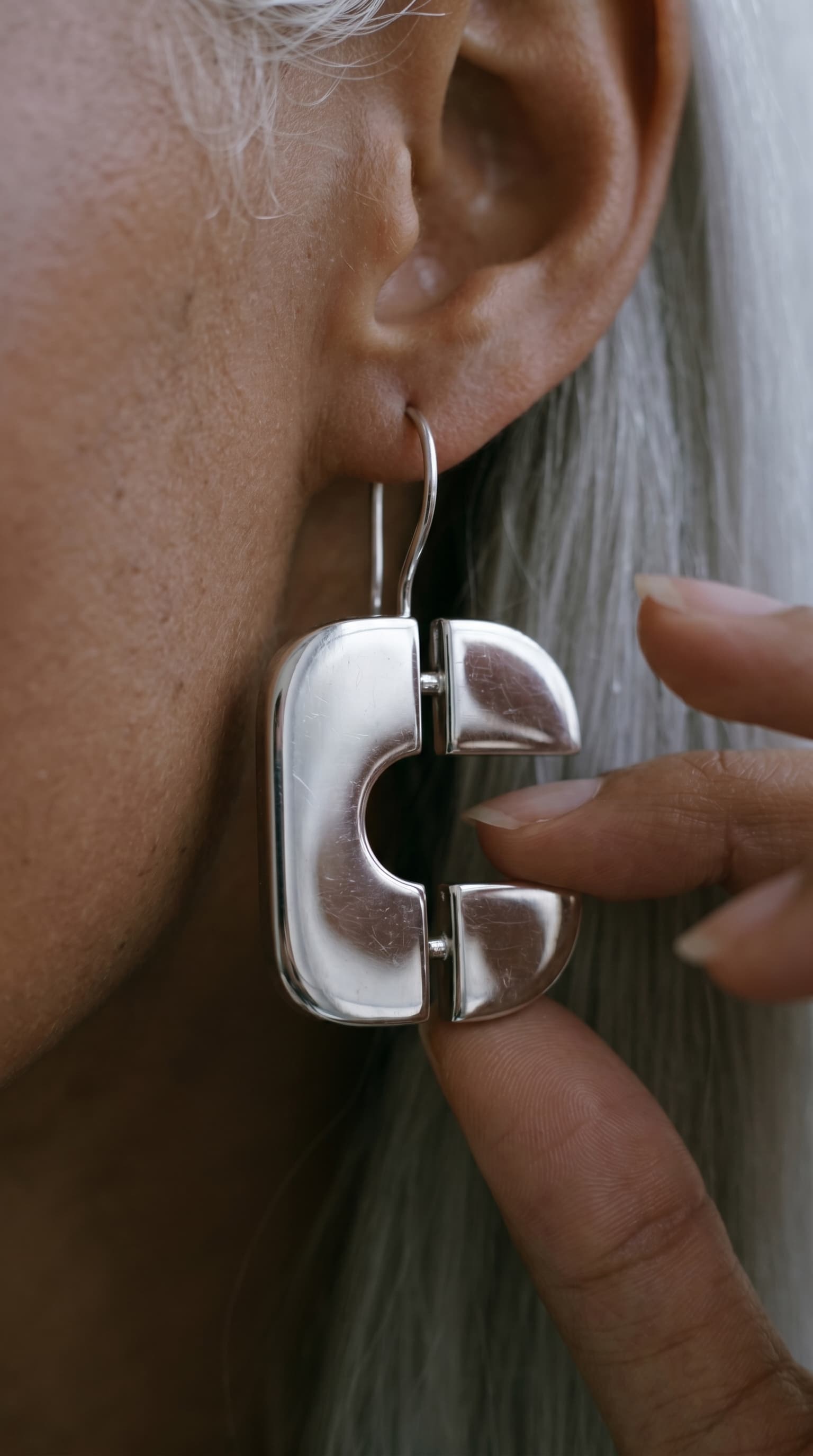
AI video models read every dust speck and scratch on a product photo as a real feature, then reproduce it everywhere. So creators retouch by hand, photo by photo. Here you upload raw shots and the platform cleans them, generates the missing angles, and builds the multi-angle reference card the model needs. The manual retouching step is gone.
who is it for?
hub content start where the wedge is sharpest, then expand outward
Professional Creators
Influencer budgets keep growing, but one-off "pay-to-post" deals are losing effectiveness. Brands now hire creators as strategic partners, rewarding productized, recurring delivery over project gigs.

Boutique Social-Media Agencies
The creator economy reaches ~$214B in 2026 at 23% CAGR, with AI video generation the fastest-growing segment. Buyers are already in motion.
DTC & Ecommerce Brands
Be the workspace where ideas become brand-true video and the creative intelligence layer that compounds with every campaign.
showcases
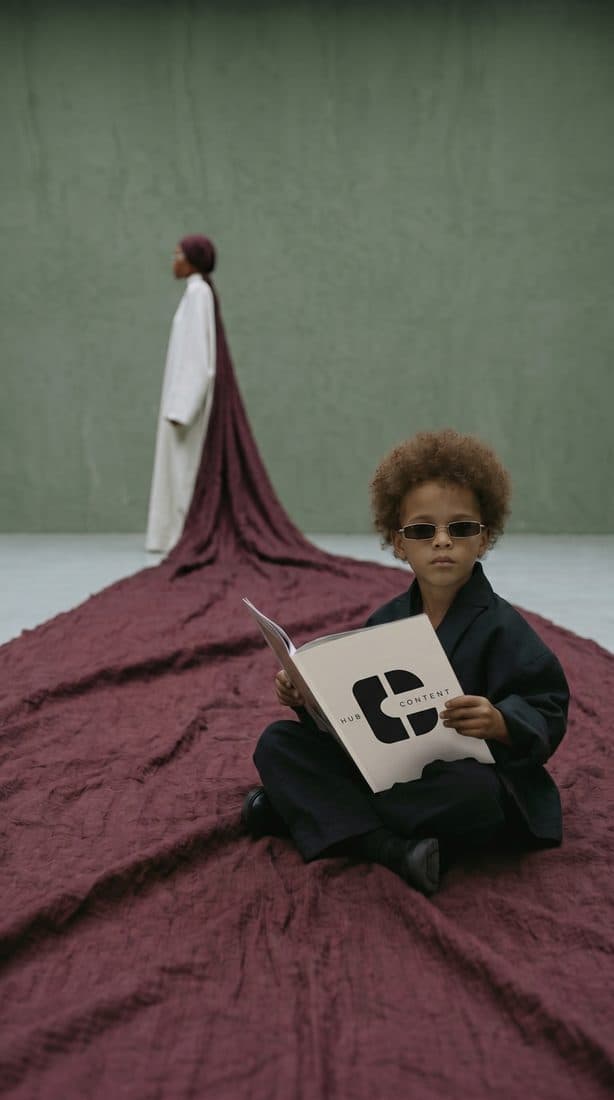
brand videos made start to finish in hub content



Professional creators
land bigger brand contracts and actually deliver them
Mid-tier creators working with brands are landing bigger contracts that need volume, speed, and brand consistency they can't deliver alone. Hub Content is the production team you don't have to hire.
Ship more, faster
Brief to finished video in one workspace, no stitching five tools together.
Stay on-brand
Reusable brand assets keep voice and quality consistent across every client.
Client Link review
Share one link for comments and approval, no editor access to your other work.
Commercial license
You own everything you make, ready to deliver and invoice.
start free, scale when you do
Trial
$0
7 days trial
1,000 credits one-time
- Full 5-stage flow
- Watermark export
- No client link
- No commercial license
- No premium models + 4K export
Pro
BEST VALUE$99/mo
$1188/yr - save $360
15,000 credits/mo
- Premium models + 4K export
- Priority generation queue
- Full version history
- Unbranded Client Link
- Cross-project gallery
Creator
$39/mo
$468/yr - save $240
6,000 credits/mo
- Watermark free
- Commercial license
- Standard generation queue
- Client Link review
- Reusable asset library
Frequently Asked Questions
How do I start?
Request early access and confirm your email. You'll join the waitlist, complete a short onboarding survey, and get invited in the next weekly wave - pros are prioritized.
What does it cost?
You start free - the trial includes 1,000 credits, enough for two video generations. Paid plans start at $39/mo (Creator) and $99/mo (Pro), both billed by monthly credits.
Do I need prompt-engineering skills?
No. You describe the idea or upload a brief; the Prompt Engine turns it into a structured storyboard and model-ready generation prompts automatically.
Can I edit the video inside, or do I still need an editing app?
Everything happens inside: scenes are generated, regenerated and versioned in the Studio, timings are managed, audio is edited, and the finished video is assembled and exported, no external editor needed.
Which AI models does it use?
State-of-the-art models per task: Seedance for video generation, GPT Images and Nano Banana for images, and Gemini-class models for text, routed automatically, so you never pick models by hand.
Who owns the output?
You do. Everything you generate on a paid plan comes with a commercial license, ready to deliver to clients and invoice.
Can my client see my other projects?
No. A Client Link shows only the single project you share: your client can review, comment and approve, with no access to your workspace or other work.
build the future of brand content with us
Request access and turn your next brief into a finished video.